The steps in this article walk you through the Flyway Desktop offline activation process.
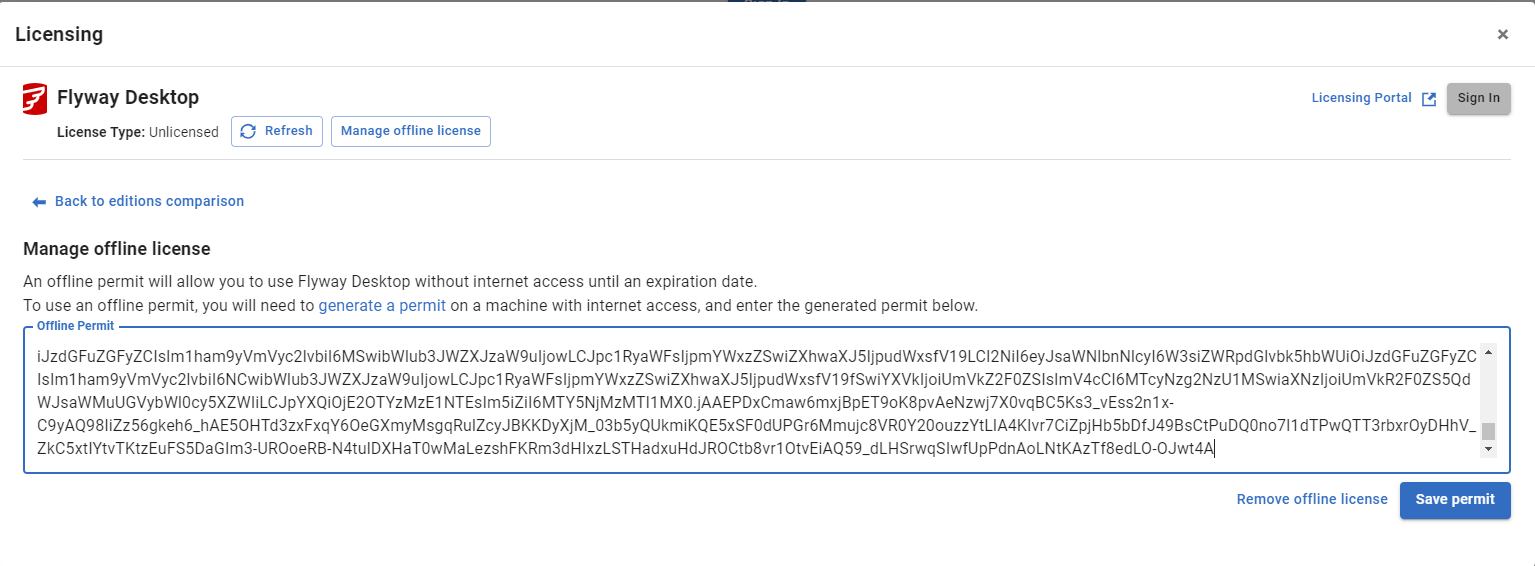
Click on Manage offline license.
If you don't have a license assigned to you, you'll get this message and will need to be added as a user to the license:
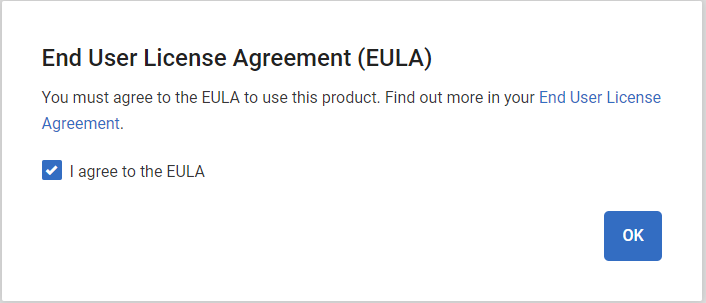
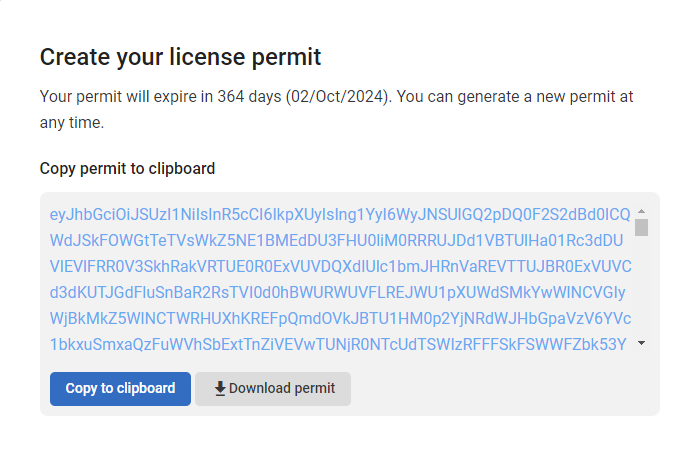
If you are a license user you'll get this message:
4
-2
Was this article helpful?
1 out of 4 found this helpful
Articles in this section
- Sign commits with an SSH key
- Why do I have a collation warning when I'm ignoring collation?
- Unable to get local secret Flyway Desktop
- Flyway DB object with value of '--No text is available'
- Flyway baseline - invalid database objects
- Flyway Desktop GUI fails to open after installation or update
- Flyway Desktop offline activation
Add comment
Please sign in to leave a comment.