Comments
4 comments
-

Have you tried logging in to the Redgate Portal in the browser to see if you have a license? That might refresh or set your access token as well.
-

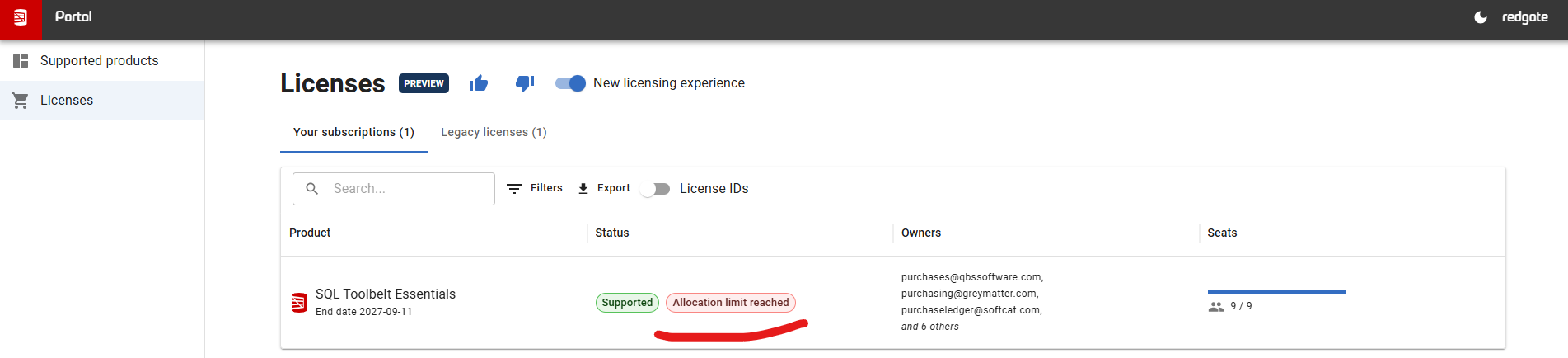
I tried logging in and it didn't help. However, I can see Allocation Limit Reached on my license in the Portal - is this the reason?
-
Can anyone help with this issue?
-
I finally fixed it by using this guide: https://productsupport.red-gate.com/hc/en-us/articles/28914394987165-SQL-History-is-blank-or-greyed-out
Add comment
Please sign in to leave a comment.
Hello,
I am using SQL Server Management Studio 15.0.18424.0 (v18.12.1) and I cannot refresh my license despite being viewed as valid one - as a result, SQL History and SQL Prompt is not working at all…
Could you please help resolve this issue?