Comments
6 comments
-
 Official comment
Hi Radek
Thanks for getting in touch.
This is expected behaviour. You've followed the example found in our article and you're seeing the Windows Installation window.
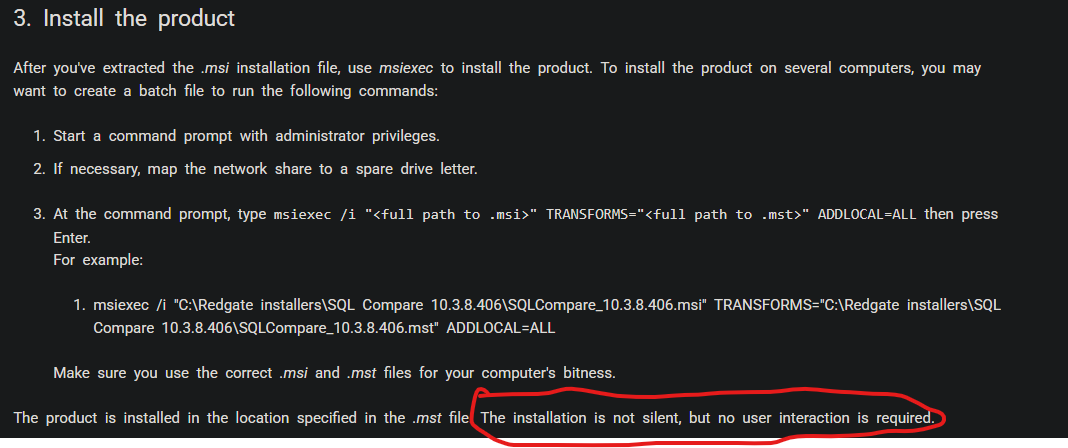
As per the documentation, the installation is not actually silent, but requires no user interaction.
-

Hey Radek,
That's a classic sign that there's a syntax error with the
msiexeccommand, causing it to just show its help dialog instead of running your install.The most common culprit is missing the
/qb-or/qnswitch for the UI level. Your command is telling it what to install but not how to run it.Try adding
/qb-for a basic progress bar or/qnfor a completely silent install. Your command should look like this:
Also, double-check that the paths to both the
.msiand the.msttransform file are 100% correct. If the paths are wrong, it will fail.Hope that gets it working for you!
And regarding your other question, "rice purity mean on tiktok," it's a lighthearted viral quiz people take for fun. Your "Rice Purity Score" is meant to gauge your level of innocence or life experience based on a 100-question survey. A lower score means you've done more of the listed activities. It's just a popular trend people share, not a serious psychological test
-

Hey Radek, it sounds like the issue might be with the syntax of your command — MSIEXEC can be picky about parameters. Try adding
/qnfor silent mode and ensure there’s no space before the equals sign inTRANSFORMS=. For example:msiexec /i "c:\install\SQL Search_3.7.2.5316_x86.msi" TRANSFORMS="c:\install\SQL Search_3.7.2.5316_x86.mst" ADDLOCAL=ALL /qnAlso, make sure you’re running the command sprunki phase 5 prompt as Administrator. That should stop the help window from popping up and start the silent install properly.
-

I ran into something similar before, and it reminded me of how Draw Climber sometimes needs small adjustments to work smoothly. In my case, the silent install only worked after I corrected the MST path and ran the command as administrator. Maybe checking those details could help.
-

Funny you mentioned the command line arguments for the msi because I was literally just talking about this with a friend who hates gui installers. Weird coincidence but yeah getting those switches right is always a pain when deploying to multiple machines. wait why does this tiny memoji face in the corner look exactly like my ex with the headphones on that specific level in connect master
-

Hi Radek,
The issue happens because Windows Installer fails to parse the command parameters correctly (often due to spaces in the file path/filename or improper quotes).
Please try running the command with quotes around the entire path/filename, and add the
/qnswitch for a truly silent installation:DOS
msiexec /i "C:\install\SQL Search_3.7.2.5316_x86.msi" TRANSFORMS="C:\install\SQL Search_3.7.2.5316_x86.mst" ADDLOCAL=ALL /qnKey fixes:
- Ensure the exact filename matches your folder (check if there is a space between
SQLandSearchin both.msiand.mstfiles). - Added
/qnat the end to perform a quiet (silent) installation without user interaction. - Make sure you are running Command Prompt (or PowerShell) as Administrator.
dont forget to play The Freak Circus.
Best regards,
- Ensure the exact filename matches your folder (check if there is a space between
Add comment
Please sign in to leave a comment.