Comments
9 comments
-

Yes, same for me. Annoying as I use this all the time.
-

Yes, same here.
-

same here upgraded to Sql Prompt 11.5.0.26718 and Open in Excel stopped working…
i wonder if we can downgrade to prev working version
-

Same here and a lot of other issues, crashing ssms if I try to right click on a e.g. a storedproc. Had to uninstall all the redgate stuff
-

I have exactly the same issue. Annoying. Sadly there is no simple way to rollback the version. Have to uninstall and reinstall. If would be good if Redgate could supply functionality to do that.
-

Yes, I had the same problem after 11.5.0.26718 upgrade. I uninstalled SQL Prompt and installed 11.4 version and the “Send to Excel” option works, of course.
-
I raised a support ticket with Redgate earlier, and got this response within an hour:-
This is a bug that's currently being fixed. We should have a new release for SQL Prompt later today but in the meantime, downgrading to 11.4.2.26116 will allow you to use the feature:
https://download.red-gate.com/checkforupdates/SQLPrompt/SQLPrompt_11.4.2.26116.exe -
Now fixed:-
Thank you for your patience on the issue with the Excel functionality in SQL Prompt!
Good news the latest release of 11.5.1 has a fix!
https://download.red-gate.com/checkforupdates/SQLPrompt/SQLPrompt_11.5.1.26824.exe -
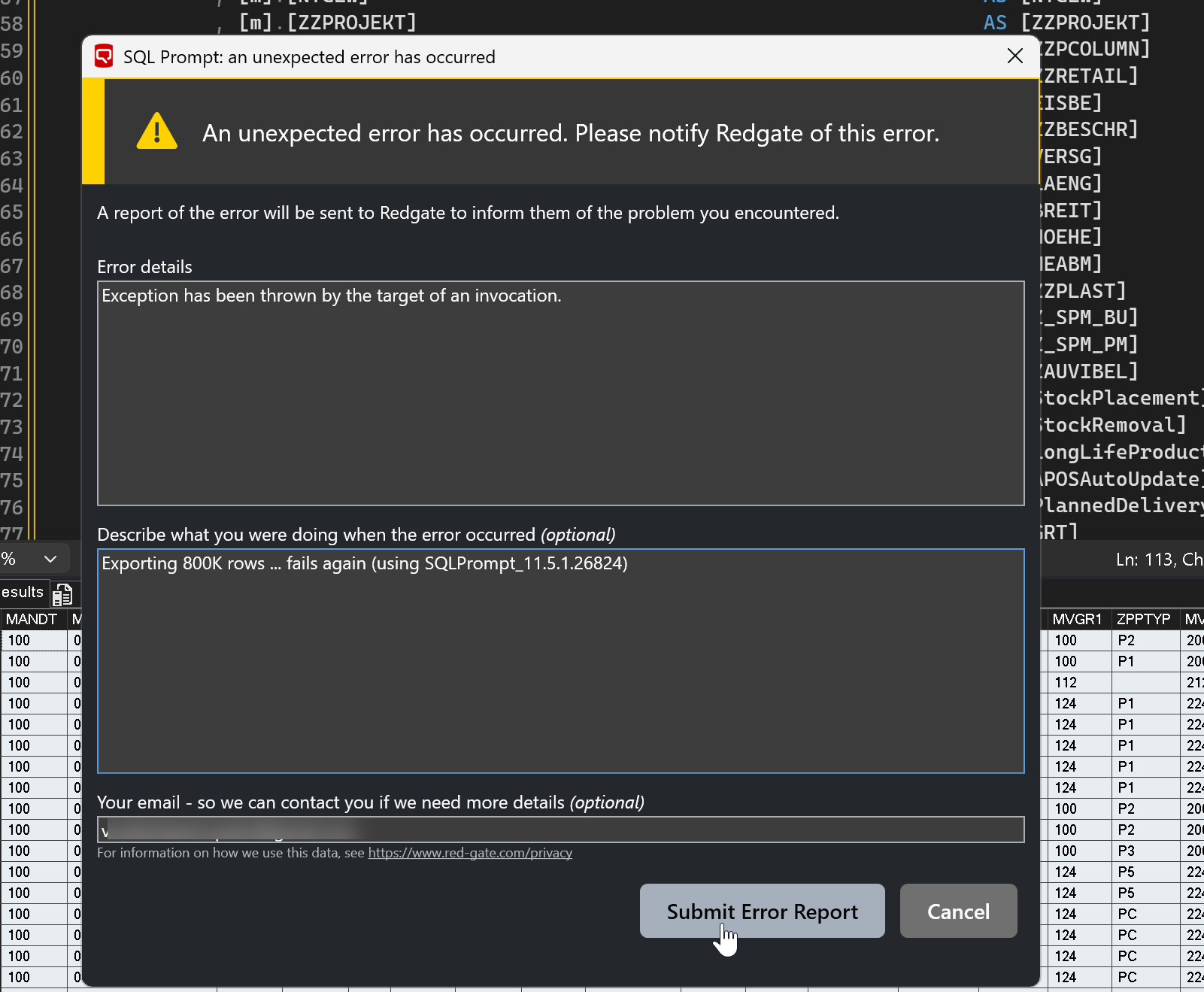
Still not fixed. Tried to export 800K rows. uzing
Add comment
Please sign in to leave a comment.
Anyone having issues with SQL Prompt option for query results to “Send to Excel” .
After upgrading to SQL Prompt 11.5, this stopped to work for me and showing and error screen when selecting in the drop down menu.