Comments
1 comment
-
 Official comment
Hi DaveRomig
Thank you for reaching out on the Redgate forums regarding your SQL Search concerns with SSMS22.3.2
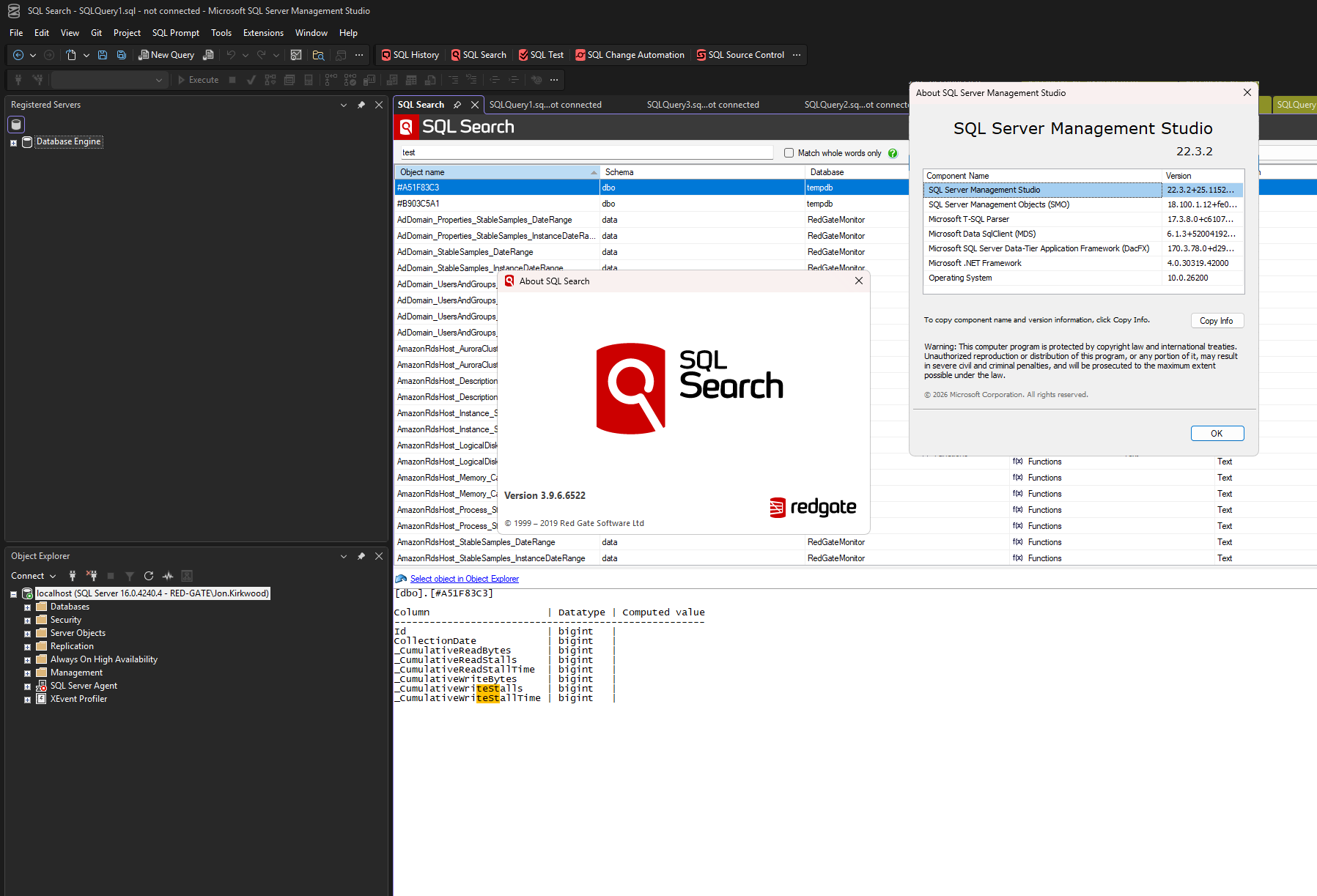
I can confirm that I have these exact versions of SSMS & SQL Search on my own machine currently, and it is running as expected.
A partial or interrupted installation is possibly causing the conflict you're finding between VS & SSMS.
Try a clean reinstall:
- Uninstall SQL Search via Windows Add or Remove Programs
- Delete any residual files from
%AppData%\Red Gate\SQL Search - Reboot (optional)
- Reinstall using the latest installer from https://download.red-gate.com/checkforupdates/SQLSearch/SQLSearch_3.9.6.6522.exe
- Launch SSMS and verify if SQL Search is now working for you
Add comment
Please sign in to leave a comment.
SQL Search v3.9.6.6522 installed successfully. It's accessible in Visual Studio v18.3.1. But it doesn't show up in SSMS v22.3.2.