Comments
1 comment
-
 Official comment
Hi huey
Thank you for reaching out on the Redgate forums with your bulk-scripting request.
You can absolutely mass-deploy SQL instances into Redgate Monitor without clicking through the UI.
On the Configuration > Example Scripts page of your Monitor installation (
https://<your-monitor-server>/Configuration/ExampleScripts), there’s a full PowerShell example showing how to add:- Windows SQL instances
- Linux SQL instances
- PostgreSQL
- Azure SQL / Managed Instance
- RDS / Aurora
- Flexible Postgres
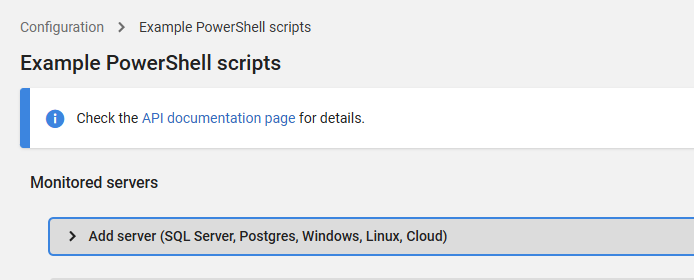
Once you’ve reviewed the examples, you can add in a loop through your server list; something like this:
$servers = @(
    "ServerA\SQL2019",
    "ServerB\SQL2017",
    "ServerC"
)

foreach ($name in $servers) {
    Write-Host "Adding $name..."

    $instance = New-RedgateMonitorSqlServer `
        -FullName $name `
        -BaseMonitor $BaseMonitor

    $instance | Add-RedgateMonitorMonitoredObject
}
That’s usually the fastest way to bulk-register dozens or hundreds of instances.
If you haven't used the Powershell API before - I would recommend starting here: https://documentation.red-gate.com/monitor14/api-239668740.html to get the necessary info on how to download the Powershell cmdlets from your Monitor instance, generate a token and create your connection to the API to add your instances.
Add comment
Please sign in to leave a comment.
hi there, I do have a lot of sql instances that need to be registered under RG monitor. Instead of click it away, is there any powershell script I can use to mass deploy?
I knew it some where in the website but can't find it right now.
Any help will be appreciated.
Thanks
Huey